
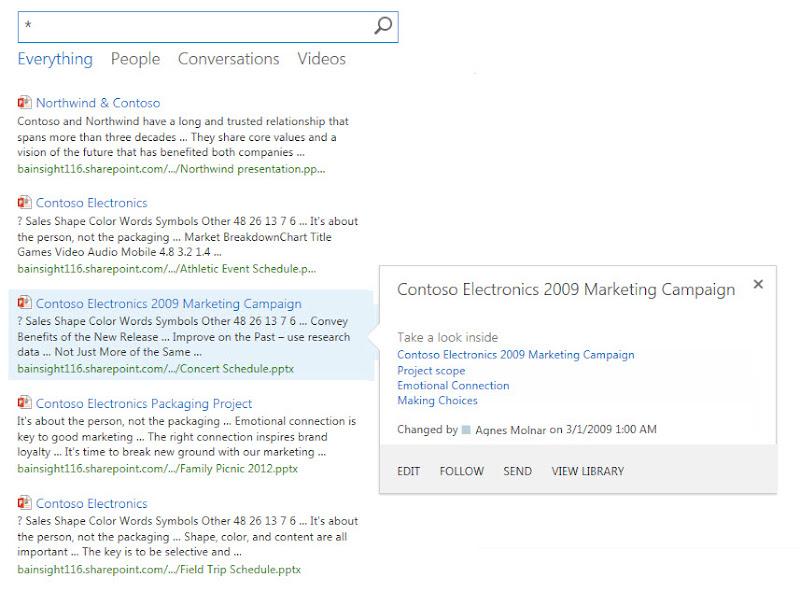
IF YES, so everything is configured correctly, the solution is pretty easy. Here is the “how to” guide for Sharepoint 2013 search configuration to get displayed the document preview panel:
- Step 1: Just click on the search result to open the document by WAC.
- Step 2: If it’s successful, go back and refresh
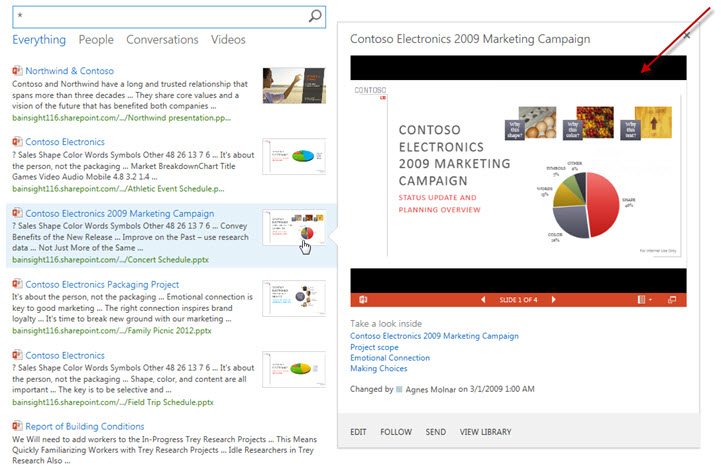
- Step 3: The previews on Hover Panel should be there.
Looks like WAC requires some kind of “warm up”:
If your case is not that simple and you need help with Sharepoint 2013 search configuration then leave a comment in the comments section!


Leave a Reply